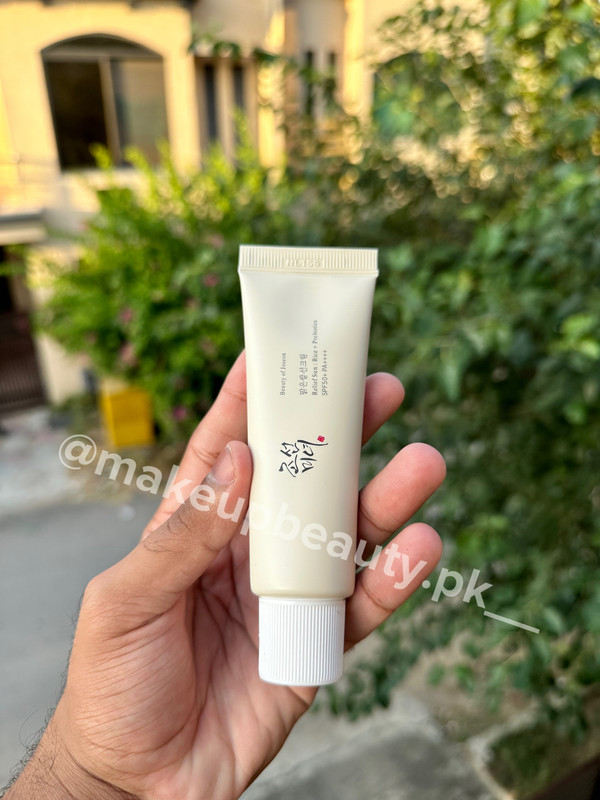
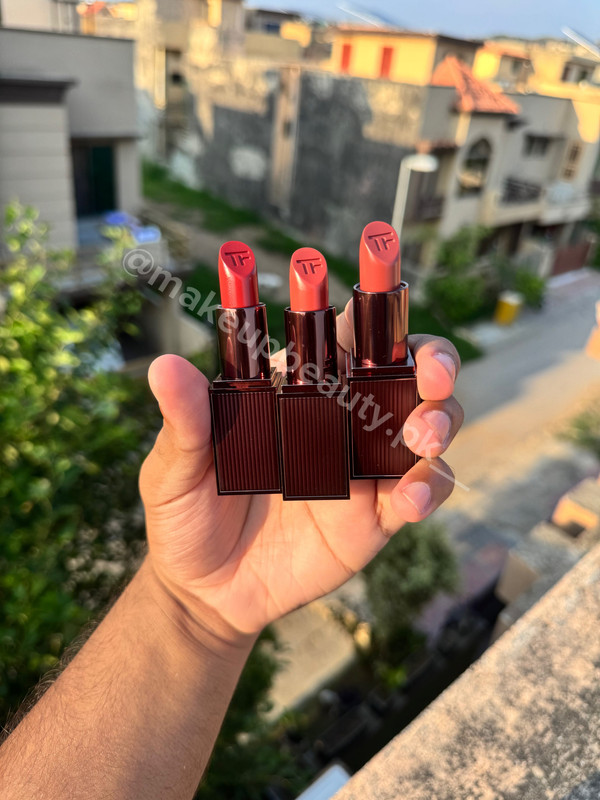
💄 Top 5 Beauty & Glam Must-Haves for Pakistani Beauty Lovers (2026 Forecast)
A review of convertible laptops for web developers, UI/UX designers, and creatives in Pakistan, with buying tips for 2026.
Note: 2-in-1 convertibles are premium and cost more than standard laptops. They are worth it for sketching, demos, and design work. For raw compute power, consider a workstation.
How I picked these five
I focused on models with color-accurate touch/pen support, good keyboards, decent thermals, good battery life, and modern ports.
1) Lenovo Yoga 9i (Aura / Gen 10 family) — The creative all-rounder
Why it’s great: Bright OLED options, good pen support, and AI helpers. Excellent color and a durable 360° hinge. A comfy middle ground for designers who code.
Good for: UI/UX designers, freelancers doing client demos, devs who value display fidelity.
Watch out for: Premium price, some configs prioritize thinness over thermals.
2) HP Spectre x360 (14″ / 16″) — Premium, polished convertible
Why it’s great: Leads in build quality. Glossy OLED options, strong keyboard, and powerful Intel Ultra/Core CPUs for heavier web tasks. HP markets AI features and high brightness screens.
Good for: Designers wanting a beautiful canvas, devs needing occasional CPU bursts.
Watch out for: Price. Ensure you get specs that will last.
3) Dell XPS 13 2-in-1 / XPS 13 family — Compact, professional, reliable
Why it’s great: Balances a compact footprint with high-quality touch displays and reliable keyboards. Good for developers who value a premium typing experience and portability.
Good for: Students, traveling devs, and designers prioritizing portability.
Watch out for: Smaller 13" screen area might not be ideal for all design work.
4) Microsoft Surface Pro 9 / Surface Pro (detachable) — Tablet-first flexibility
Why it’s great: The classic detachable. Tablet-first with an excellent pen experience and pixel-dense displays. Superb for illustrators, UX people, and presenters.
Good for: Designers who sketch wireframes, devs needing extreme portability.
Watch out for: Smaller battery and fewer ports. Pair with a dock for serious dev work.
5) Asus (ZenBook / VivoBook) Flip series — Value + OLED options
Why it’s great: Large OLED touch screens, solid battery life, and competitive pricing. The 16-inch Vivobook Flip offers a larger canvas for designers.
Good for: Designers wanting larger touch canvases, devs wanting a balance of price and features.
Watch out for: Keyboard feel varies by model, so test it if you type a lot.
Honorable mention: Samsung Galaxy Book 5 / 360
Samsung’s 360/Flip models with AMOLED screens and AI features are pushing strong spec lists and can be great options where Samsung service is available.
What matters for developers & designers (checklist)
- RAM: 16 GB minimum, 32 GB for multitasking.
- CPU: Modern Intel Core Ultra/Core i7 or efficient Ryzen/ARM alternatives.
- Display: OLED / high-P3 color gamut for designers.
- Pen support: Wacom/EMR or Microsoft Pen-level low latency for designers.
- Keyboard & Touchpad: Comfortable and reliable for long sessions.
- Ports: At least one Thunderbolt/USB4 and an extra USB-C or USB-A.
- Thermals: Check real-world sustained performance reviews.
- Battery & Weight: Aim for 8+ hours real-world battery and under ~1.8 kg.
Local buying & practical tips for Pakistan
- Prefer authorized distributors for warranty.
- Try in person where possible.
- Check local service and spare part availability.
- Prioritize 16 GB RAM + 512 GB SSD over a slightly faster CPU.
- Consider a USB-C dock for a desktop-like setup.
2026 feature trends to watch
More on-device NPUs for AI tasks, brighter OLEDs, Wi-Fi 7, and improved pen latency.
Final buying scenarios
- Designer who sketches daily: Surface Pro 9 or Yoga 9i.
- Developer who travels: XPS 13 2-in-1 or HP Spectre x360.
- Want biggest canvas for creativity: Asus Vivobook / ZenBook Flip 14–16.
- Premium ergonomics & multi-tasking: Spectre x360 or Yoga 9i with a dock.
“Buy for the work you do tomorrow, and the screen will become your daily window to build the future.”
🙋 Frequently Asked Questions (FAQ)
Are 2-in-1 laptops good for coding?
Yes, especially for web and mobile developers who need to test touch interactions and sketch UI designs.
Which pen is best for the HP Spectre x360?
The HP Rechargeable MPP 2.0 Tilt Pen is the official choice, offering great pressure sensitivity and low latency for designers.
Do 2-in-1 laptops overheat faster?
Generally, yes, because they prioritize thinness. Look for models with active cooling (fans) if you do heavy video editing.
Can I upgrade the RAM in a 2-in-1 laptop?
In most modern convertibles (like XPS or Yoga), the RAM is soldered to the motherboard. Always buy 16GB or more upfront.
"Never forget the suffering of our brothers and sisters in Palestine. May Allah help them and protect them. Ya Allah, awaken the sleeping Ummah and make us worthy of supporting them. Ameen."
— kimi.pk Team